
Web Accessibility Isn't a Nice-to-Have. It's a Lawsuit Waiting to Happen.
ADA compliance isn't just the right thing to do. It's increasingly the legally required thing to do.
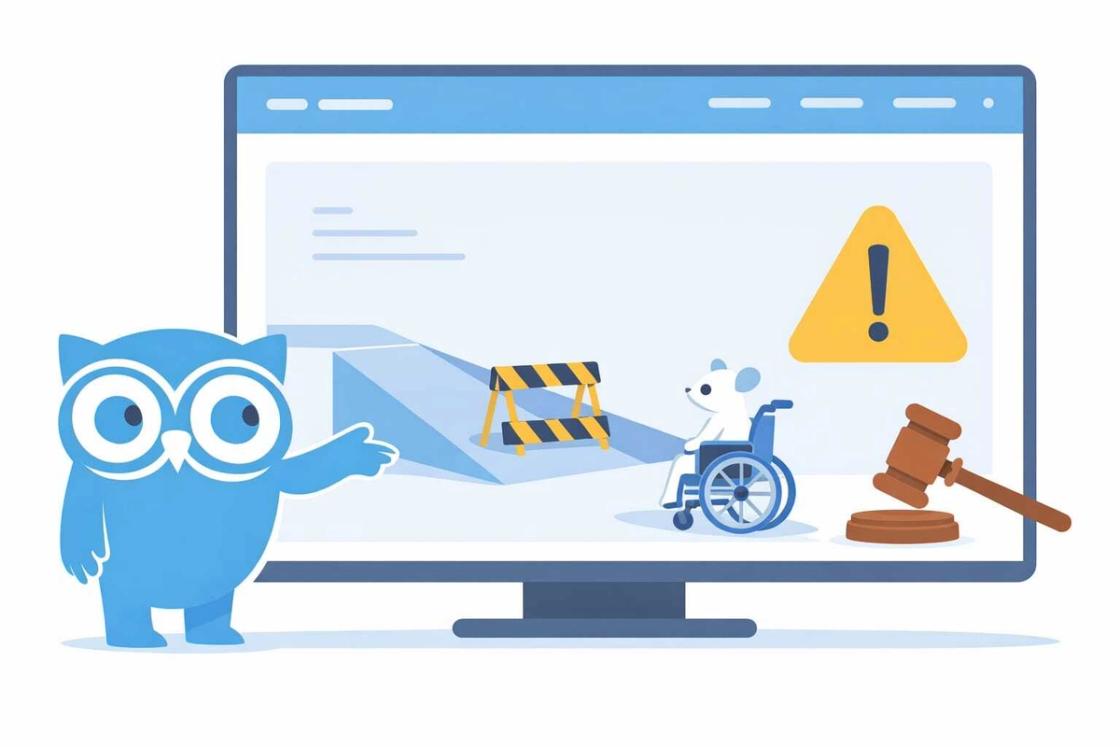
Picture this: you’re a small e-commerce company doing decent numbers. One Tuesday, a letter shows up from a law firm you’ve never heard of. They represent a visually impaired individual who tried to use your website and couldn’t. The letter demands $25,000 to settle, and that’s the cheap option. Fighting it in court costs more.
This isn’t hypothetical. Digital accessibility lawsuits have been climbing steadily for years. Over 4,000 ADA-related web accessibility cases were filed in the US in 2024 alone. And it’s not just Fortune 500 companies getting targeted. Small and mid-size businesses — restaurants, retail shops, local service providers — are getting demand letters too. The lawyers figured out there’s money in suing small businesses that can’t afford to fight back.
0%
of the global population lives with some form of disability
0+
ADA web accessibility lawsuits filed in the US in 2024
0%
increase in accessibility-related lawsuits since 2018
We’re not lawyers. We can’t give you legal advice. But we can tell you that building an accessible website is cheaper than defending an inaccessible one. Way cheaper. And the business case goes beyond avoiding lawsuits — accessible sites perform better for everyone.
What “Accessible” Actually Means
It means people with disabilities can use your website. Not “sort of use it” or “get most of the way through.” Actually use it, fully, without hitting walls.
We’re talking about people who navigate with keyboards instead of mice. People who use screen readers because they can’t see the screen. People with motor impairments who need larger click targets. People with cognitive disabilities who need clear, simple navigation. People with temporary disabilities too — a broken arm, an eye infection, even someone holding a baby in one hand.
The standard is WCAG (Web Content Accessibility Guidelines), and most courts reference WCAG 2.1 Level AA as the benchmark. It covers things like color contrast, alt text for images, keyboard navigation, form labels, and heading structure. It’s not a short document, but the principles boil down to four ideas: content should be perceivable, operable, understandable, and robust. If your site hits those four marks, you’re in good shape.
The Business Case Beyond Lawsuits
About 1 in 4 adults in the US has some form of disability. That’s roughly 61 million people. If your website doesn’t work for them, you’re locking out a massive chunk of potential customers. That’s not just a social justice argument (though it’s that too). It’s a math argument.
Accessible websites also tend to be better websites, period. The practices that make a site accessible — clean heading structure, logical tab order, descriptive link text, fast load times, clear navigation — are the same things that make a site easier for everyone to use. They’re also the things Google rewards in search rankings. Semantic HTML, proper heading hierarchy, alt text — these are SEO fundamentals.
So you’re not just avoiding lawsuits. You’re building a site that converts better, ranks higher, and serves more customers. It’s genuinely hard to find a downside here.
The Most Common Problems
Missing alt text
Poor color contrast
Forms without labels
No keyboard navigation
Missing skip links
Auto-playing media
The Quick Accessibility Audit
You don’t need an expensive consultant to find the obvious problems. Here’s a 15-minute self-check anyone can do.
Keyboard-only test
Lighthouse audit
Automated scanner
Zoom test
This won’t catch everything. Automated tools find about 30-40% of accessibility issues. But it’ll surface the low-hanging fruit that’s most likely to get you in trouble.
Overlays Are Not the Answer
You’ve probably seen those accessibility overlay widgets — the little floating icons that promise to make your site compliant with one line of JavaScript. Companies like accessiBe and UserWay sell them aggressively.
Don’t buy it. The disability advocacy community has been vocal about how these overlays create more problems than they solve. They interfere with actual assistive technology, they don’t fix underlying code issues, and courts have not accepted them as evidence of compliance. Several companies using overlay widgets have been sued successfully.
There’s no shortcut. Real accessibility comes from building it into the code. An overlay is like putting a fresh coat of paint on a building with no wheelchair ramp and calling it accessible.
If your website isn’t accessible, you’re not just excluding 15% of potential customers — you’re exposing your business to legal action. Over 4,000 ADA lawsuits were filed in 2024 alone, and small businesses are increasingly being targeted.
Just Build It Right From the Start
Retrofitting accessibility is expensive and annoying. Building it in from the beginning costs almost nothing extra. It just requires developers who know what they’re doing and care enough to do it.
Every site we build at Kahoots ships with accessibility baked in. Semantic HTML, proper ARIA labels where needed, keyboard-navigable components, tested contrast ratios, structured headings. It’s not an add-on. It’s not a premium feature. It’s part of the build.
Because building a website that some people can’t use is like building a store with no door. You wouldn’t do that in the physical world. There’s no reason to accept it in the digital one.
If your current site has accessibility gaps, that’s fixable. Start with the audit above, prioritize the critical issues, and work through them methodically. Or bring in a team that builds it right from day one. Either way, don’t wait for the demand letter.